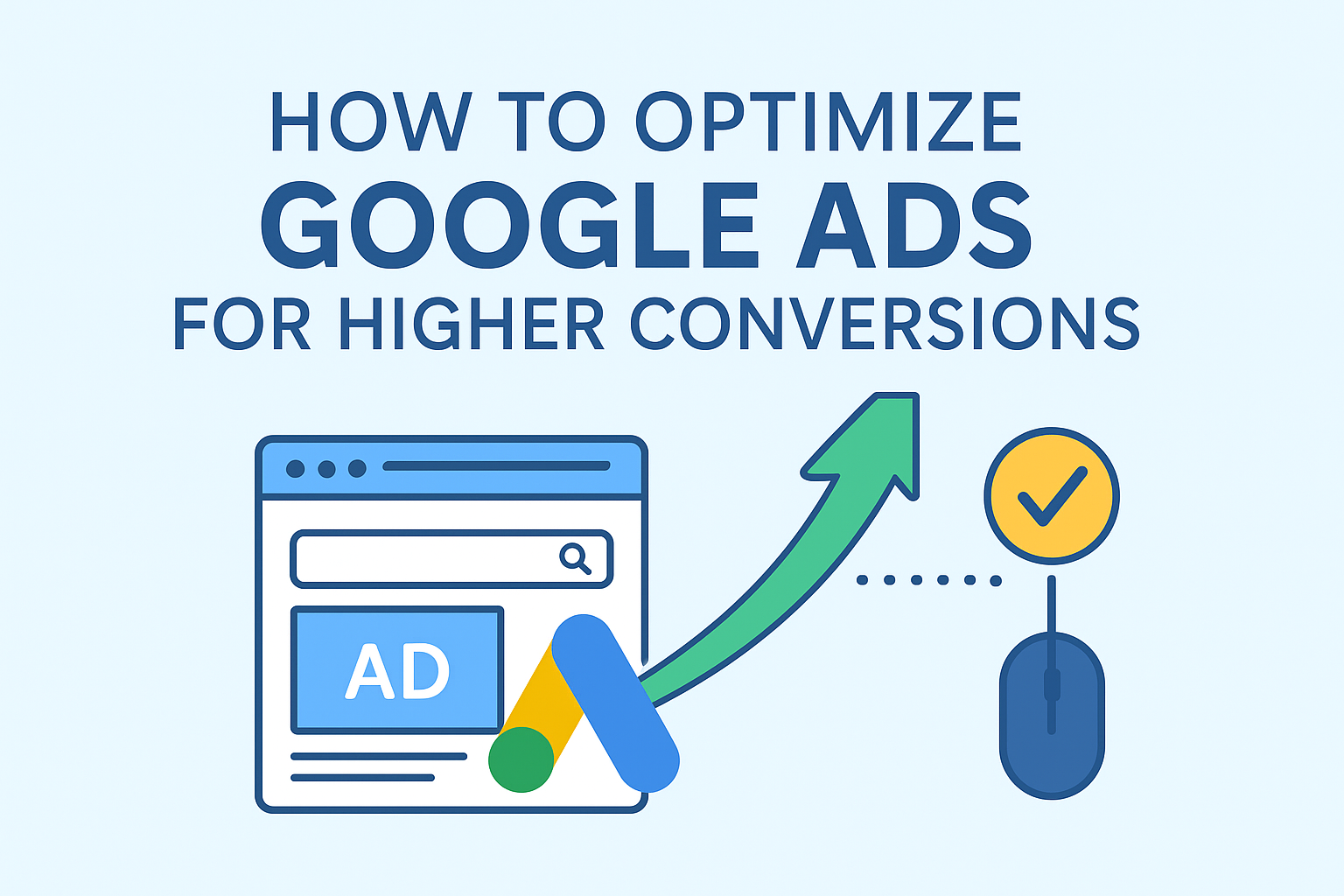
Google Ads is one of the most powerful online advertising platforms in the world. Businesses of all sizes use it to reach new customers, drive traffic, and increase sales. However, simply running ads is not enough. To get real results, you need to optimize your campaigns so that they deliver higher conversions at a reasonable cost.
In this guide, we will discuss step by step how you can optimize your Google Ads campaigns in easy-to-understand language. Whether you are new to Google Ads or already running campaigns, these tips will help you make your ads more effective and profitable.
What Does Conversion Mean in Google Ads?
Before learning optimization, it is important to understand what a conversion means.
A conversion happens when a visitor takes an action that you want them to take after clicking on your ad. Examples include:
- Buying a product
- Filling out a contact form
- Subscribing to a newsletter
- Downloading an app
- Calling your business
So, higher conversions mean that more people who click your ads are taking the desired action.
Why Optimization Matters
Running ads without optimization can waste a lot of money. You may get clicks, but if those clicks do not turn into customers, your return on investment (ROI) will be low. Optimization ensures that:
- Your ads reach the right audience
- You spend money wisely
- You get more sales, leads, or signups at a lower cost
In short, optimization makes your Google Ads campaigns smarter and more profitable.
Step 1: Set Clear Goals
The first step in optimization is setting clear goals. Ask yourself:
- Do you want to increase sales?
- Do you want to generate leads?
- Do you want more website traffic?
Once you know your main objective, you can structure your campaigns properly. For example:
- If your goal is sales, focus on Conversion campaigns.
- If your goal is leads, use Lead generation campaigns.
- If your goal is traffic, use Search campaigns with targeted keywords.
Clear goals help you measure success and avoid wasting money.
Step 2: Research and Select the Right Keywords
Keywords are the backbone of Google Ads. They decide when and where your ad will appear. To increase conversions:
- Use Keyword Research Tools
Tools like Google Keyword Planner, SEMrush, or Ahrefs help you find keywords with high search volume and low competition. - Focus on Intent
Choose keywords that show buyer intent. For example:- “Buy running shoes online” (high intent)
- “Best running shoes” (research intent)
- “Running tips” (low intent)
- Use Long-Tail Keywords
Long-tail keywords are longer and more specific phrases, like “affordable running shoes for men.” These often have less competition and higher conversion rates.
Step 3: Create Highly Relevant Ads
Your ad should directly match the keywords and user intent. A good ad should:
- Include the main keyword in the headline and description
- Highlight unique selling points (USP), such as free shipping, discounts, or guarantees
- Have a clear Call to Action (CTA) like “Shop Now,” “Sign Up Today,” or “Get a Free Quote”
Example:
If the keyword is “Buy running shoes online”, a strong ad could be:
Headline: Buy Running Shoes Online – Free Shipping Today
Description: Get the best quality running shoes at affordable prices. Limited stock available. Order now!
This kind of ad speaks directly to the searcher and encourages them to take action.
Step 4: Improve Your Landing Pages
A common mistake is sending traffic to the homepage. Instead, create a dedicated landing page that matches your ad.
Tips for an optimized landing page:
- Make it mobile-friendly
- Keep it fast-loading (under 3 seconds)
- Match the ad message (if the ad is about “Running Shoes,” the landing page should show running shoes, not general products)
- Use clear headlines and visuals
- Place a simple and visible CTA (e.g., “Buy Now” or “Sign Up”)
Remember, even the best ad cannot convert if the landing page is weak.
Step 5: Use Ad Extensions
Ad extensions give extra information in your ads and make them more attractive. They are free to add and can increase conversions. Common extensions include:
- Sitelink extensions (show additional links)
- Call extensions (allow users to call directly)
- Location extensions (show business address)
- Price extensions (highlight product prices)
For example, if you are running ads for a restaurant, you can use sitelinks like “Menu,” “Reservations,” and “Special Offers.” This gives users more options to engage.
Step 6: Target the Right Audience
Google Ads allows detailed targeting. Use these features to reach people who are more likely to convert:
- Location Targeting: Show ads only in cities or regions where you deliver or sell.
- Device Targeting: Optimize for mobile users if most of your traffic comes from mobile.
- Demographic Targeting: Adjust bids for age, gender, or income levels.
- Audience Lists: Target people who have already visited your website (remarketing).
By narrowing down your audience, you avoid wasting money on irrelevant clicks.
Step 7: Test Different Ad Variations (A/B Testing)
Never rely on just one version of an ad. Create at least 2–3 variations with different:
- Headlines
- Descriptions
- Call-to-actions
- Landing page designs
Run them for some time and compare which version gives better results. Keep the winner and test new variations again. This continuous improvement helps boost conversions over time.
Step 8: Track and Measure Conversions
Without tracking, you cannot know what works and what doesn’t.
Set up conversion tracking in Google Ads or connect with Google Analytics. This allows you to measure actions like:
- Purchases
- Form submissions
- Calls
- Downloads
Once you know which campaigns and keywords bring the best results, you can focus your budget on them.
Step 9: Optimize Bidding Strategy
Google Ads offers several bidding strategies. To maximize conversions, consider:
- Maximize Conversions: Automatically sets bids to get the most conversions for your budget.
- Target CPA (Cost Per Action): Helps control how much you pay per conversion.
- Target ROAS (Return on Ad Spend): Useful for e-commerce stores aiming for revenue growth.
Start with automated bidding if you are new, but keep checking the performance regularly.
Step 10: Use Negative Keywords
Negative keywords prevent your ads from showing for irrelevant searches. This saves money and improves conversion rates.
For example, if you sell premium running shoes, you can add negative keywords like “free,” “cheap,” or “second hand.”
This ensures that your ads only appear to people who are likely to buy.
Step 11: Optimize Ad Scheduling
Not all hours of the day bring conversions. Check your Google Ads reports to see when your ads perform best.
If you notice that conversions mostly happen in the evening, schedule your ads to show more during those hours. This way, your budget is spent wisely.
Step 12: Focus on Quality Score
Google assigns a Quality Score to your ads (1 to 10 scale). Higher Quality Scores mean lower costs and better ad placement.
Quality Score depends on:
- Relevance of your ad to the keyword
- Click-through rate (CTR)
- Landing page experience
To improve Quality Score:
- Write relevant ads
- Use strong CTAs
- Improve landing pages
- Test and optimize regularly
Step 13: Remarketing Campaigns
Remarketing is a powerful way to increase conversions. It shows your ads to people who already visited your website but did not convert.
For example:
If someone visited your online store and looked at running shoes but didn’t buy, you can show them ads reminding them to complete the purchase.
This often increases conversions because the user already knows your brand.
Step 14: Keep Monitoring and Updating
Google Ads optimization is not a one-time job. Keep checking:
- Which keywords perform best
- Which ads bring more conversions
- Which landing pages are converting
Pause underperforming ads and invest more in winning campaigns. The more you monitor, the more efficient your ads become.
Final Thoughts
Optimizing Google Ads for higher conversions is all about understanding your audience, using the right keywords, creating relevant ads, and improving the user experience. By following the steps above—such as keyword research, landing page optimization, ad testing, and conversion tracking—you can increase conversions while keeping costs under control.
Remember, Google Ads is a powerful tool, but success requires patience and continuous improvement. Start with clear goals, test different strategies, and always focus on delivering value to your audience. Over time, your campaigns will become more profitable, and your business will grow faster.