Digital marketing has become one of the most powerful ways for businesses to reach customers. Among all the platforms, Google Ads is the most popular tool because it allows advertisers to show their products and services directly to people who are searching for them.
But here is the big challenge: Not everyone is your customer. If you show your ad to the wrong audience, you waste money and time. This is where demographic targeting comes into play.
In this guide, we will explain what demographic targeting is, why it matters, how to set it up in Google Ads, and best practices for beginners.
What is Demographic Targeting?
Demographic targeting is a feature in Google Ads that helps you show your ads only to people who belong to specific groups. These groups are divided based on characteristics such as:
- Age
- Gender
- Parental status
- Household income
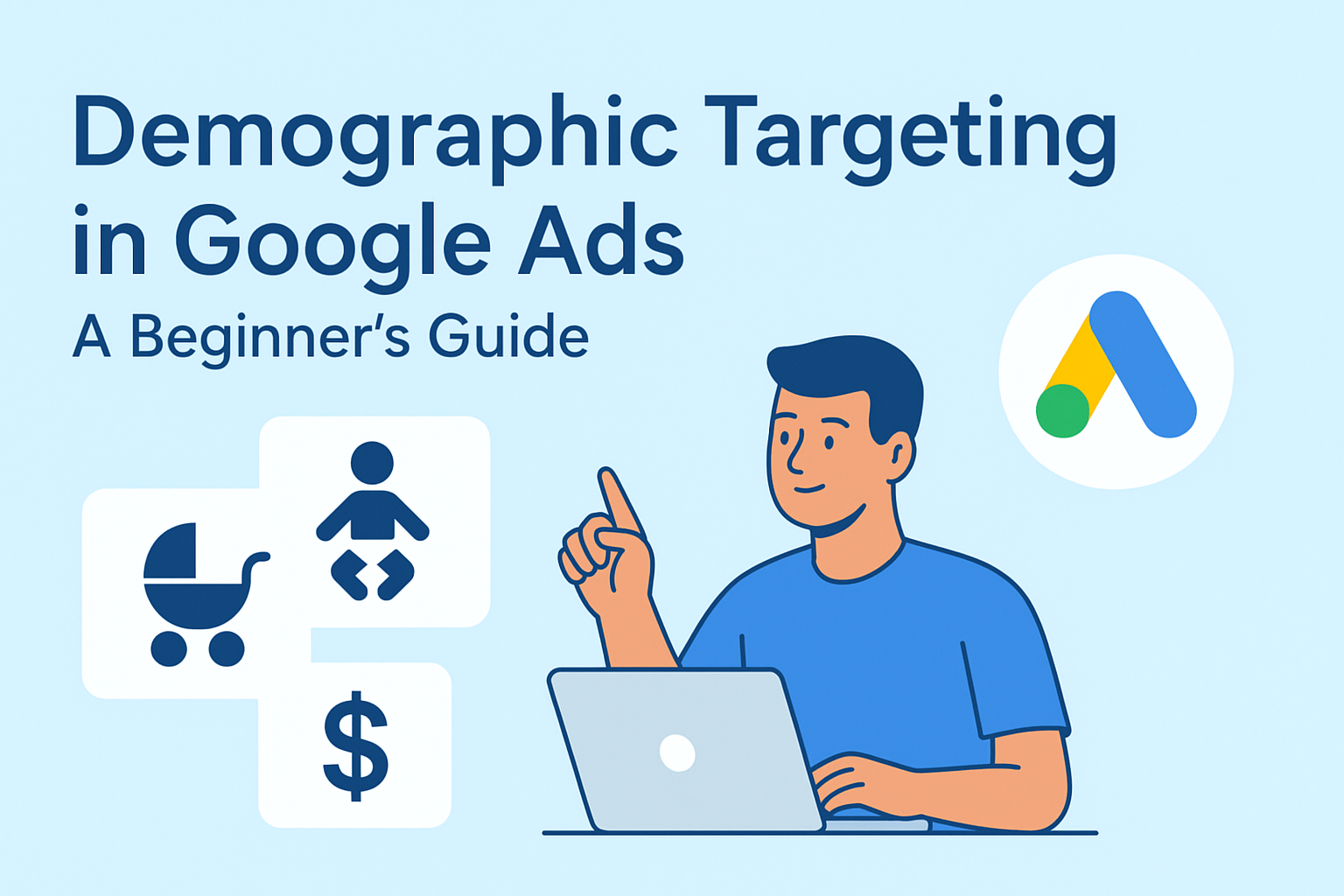
In simple words, demographic targeting makes sure your ad reaches people who are most likely to be interested in your product or service. For example, if you are selling baby products, you might want to show your ads mainly to young parents instead of teenagers.
Why is Demographic Targeting Important?
- Saves money – By avoiding irrelevant clicks from people outside your target audience, you can reduce wasted ad spend.
- Increases conversions – Ads reach the right people who are more likely to buy your product.
- Improves relevance – Showing ads to a well-defined audience makes them more meaningful and personalized.
- Boosts ROI – A better-targeted ad campaign usually gives a higher return on investment.
Key Demographic Categories in Google Ads
Google Ads allows you to target several demographic categories. Let’s look at each one in detail.
1. Age Groups
Google divides age into the following ranges:
- 18–24
- 25–34
- 35–44
- 45–54
- 55–64
- 65 and older
For example, a gaming laptop brand may target 18–34, while a retirement insurance company may focus on 55+.
2. Gender
You can show ads to:
- Male
- Female
- Unknown (when Google cannot determine gender)
This is useful for products or services that are more relevant to one gender. For example, a men’s grooming kit may perform better when shown to male audiences.
3. Parental Status
Options include:
- Parent
- Not a parent
- Unknown
This is very helpful for businesses like toy stores, baby food brands, or schools.
4. Household Income
In some countries, Google Ads provides income ranges, such as:
- Top 10%
- 11–20%
- 21–30%
- Lower 50%
Luxury brands may target higher-income groups, while budget products may do better with middle-income audiences.
How to Set Up Demographic Targeting in Google Ads
If you are new, setting up demographic targeting may look difficult, but it is actually simple. Here is a step-by-step guide:
Step 1: Log in to Google Ads
Go to ads.google.com and sign in with your account.
Step 2: Choose Your Campaign
Select the campaign where you want to apply demographic targeting.
Step 3: Go to the Audience Tab
On the left menu, click on Audiences. Here you can find the demographic targeting settings.
Step 4: Select Demographic Categories
Pick the categories you want to target – age, gender, parental status, or household income.
Step 5: Exclude Irrelevant Groups
You can also exclude groups. For example, if your product is only for young people, exclude 55+.
Step 6: Save and Monitor
Once saved, keep an eye on performance and adjust based on results.
Example of Demographic Targeting in Action
Imagine you run an online store that sells sports shoes. Without demographic targeting, your ads will appear to everyone. That means teenagers, parents, senior citizens, or even people who never play sports.
But with demographic targeting, you can:
- Show ads mostly to 18–34 age groups.
- Target both male and female depending on shoe type.
- Focus on middle-income groups who usually buy online.
This way, your ad spend is used effectively, and your chances of getting sales increase.
Benefits of Using Demographic Targeting
- Better control – You decide who sees your ads.
- Personalization – Ads can be tailored for different age or gender groups.
- Flexibility – You can change targeting anytime based on campaign results.
- Improved data – Reports show which groups are converting the most.
Limitations of Demographic Targeting
It is important to understand that demographic targeting is not perfect. Some limitations include:
- Google cannot always identify a user’s exact age or income. In such cases, the user falls under the “Unknown” category.
- Over-restricting your targeting may reduce the number of impressions (fewer people see your ad).
- Demographic data may not be available in every region or for every campaign type.
So, while it is a powerful tool, it works best when combined with other targeting methods.
Best Practices for Beginners
Here are some practical tips to get the best results from demographic targeting:
1. Start Broad, Then Narrow Down
In the beginning, don’t limit your audience too much. Run ads with broader demographics and then analyze which groups respond best.
2. Use Exclusions Wisely
If you notice certain groups do not convert, exclude them to save money. For example, if 65+ age group never clicks, exclude it.
3. Combine with Other Targeting
Demographic targeting works best with other options like:
- Keywords – to match search intent.
- Location targeting – to reach people in a specific city or region.
- Interests/affinity audiences – to show ads to people based on hobbies or browsing habits.
4. Monitor Performance Regularly
Check your Google Ads dashboard weekly. See which demographics bring more conversions and adjust budgets accordingly.
5. Test Different Ad Creatives
Different demographics may respond to different ad designs or wording. For example, younger people may like bold colors and short text, while older audiences may prefer detailed explanations.
6. Don’t Forget the “Unknown” Category
Sometimes the unknown category performs better than expected. Do not exclude it without testing.
Common Mistakes to Avoid
- Over-targeting – Making your audience too small by selecting very narrow demographics.
- Ignoring data – Not checking which groups are converting and wasting money on low-performing groups.
- One-size-fits-all ads – Using the same ad copy for all demographics without customization.
- No budget adjustments – Not increasing spend on high-converting groups.
Future of Demographic Targeting
As technology improves, demographic targeting in Google Ads will become even smarter. Machine learning and AI are already helping advertisers predict which groups will engage more. In the future, we may see more advanced categories like lifestyle choices or shopping behaviors included in demographic targeting.
This means advertisers will get even more precise tools to reach the right audience at the right time.
Final Thoughts
Demographic targeting in Google Ads is one of the easiest yet most effective ways to improve your campaigns. It helps you reach the right audience, avoid wasted spending, and improve overall ad performance.
For beginners, the key is to start simple. Understand who your ideal customers are, test different demographic settings, monitor results, and keep optimizing.
If you use demographic targeting correctly, your ads will not just reach people – they will reach the right people. That is the true power of Google Ads.